94LIVES platform is now available Yalla Pay Gift Card Goods, have users Buy Yalla Pay Gift Card Finally, I don’t know how to use it. Here I will show you how to use it. Yalla Pay Gift Card top up Yalla Golds detailed description.
one, Buy Yalla first Pay Gift Card
Buy Yalla on the 94LIVES platform first Pay Gift Card, the purchase process is as follows:
1. Open Yalla Pay Gift Card purchase link: https://m.94lives.com/en/Tabs/goodsDetail?categoryId=1882 ;
2. Select the face value and quantity and click the Buy Now button.;
3. After registering an account, select the payment method and click Submit Order;
4. After completing the payment, contact customer service to request Gift Card PIN Code( 12-digit )。
two, Use Yalla Pay Gift Card Recharge Yalla Golds
Buy Yalla on 94LIVES platform Pay Gift Card and contact customer service to get the card code, open Yalla Pay Recharge on the official website, Yalla Golds Recharge The process is as follows:
1. Open Yalla Pay Official recharge website link: https://www.yallapay.live/recharge?fAppType=10;
2. Fill in Yalla User ID ;
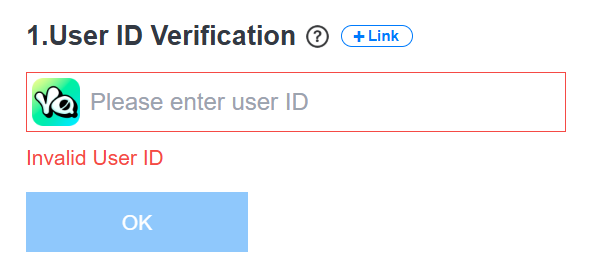
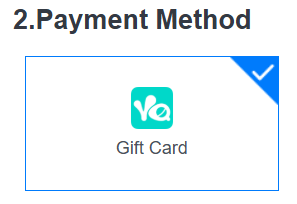
3. Select payment method“ Gift Card ”;
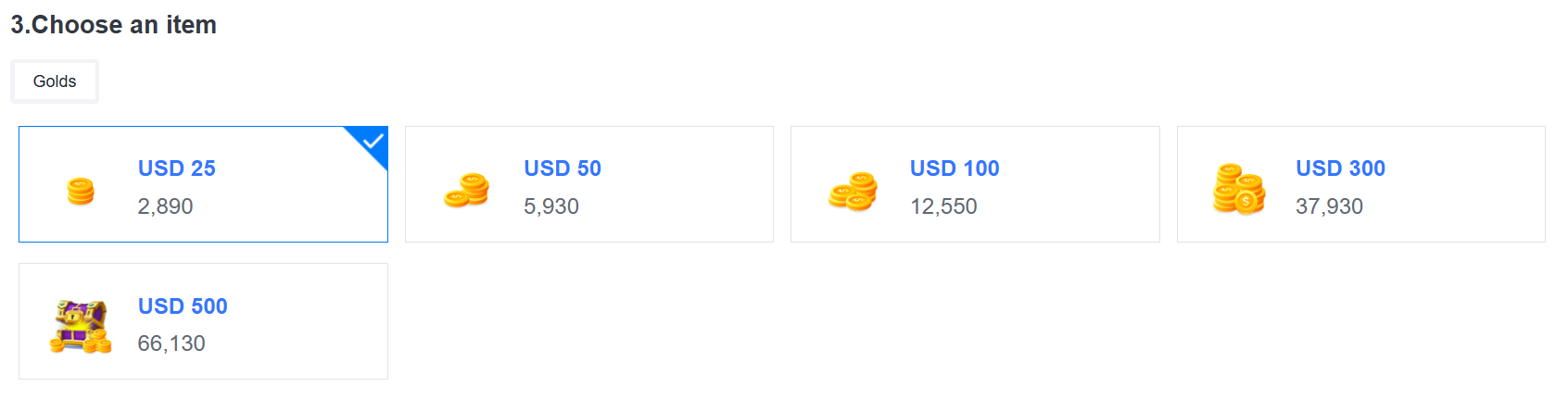
4. Choose Yalla purchased on the 94LIVES platform Pay Gift Card Golds corresponding to face value;
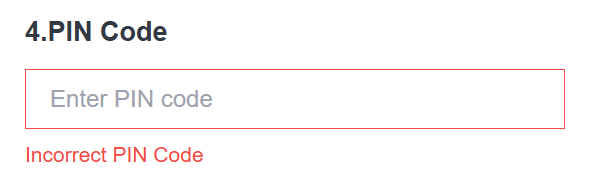
5. Fill in Gift Card PIN Code ( 12-digit );
6. Click“ Pay now ”button;
7. After the payment is completed, Golds can be recharged to your Yalla account.
The above content is about purchasing Yalla on the 94LIVES platform Pay How to complete the detailed process of recharging Yalla Golds after receiving Gift Card, friends in need can follow the above steps to purchase and recharge.